How to Access the Program
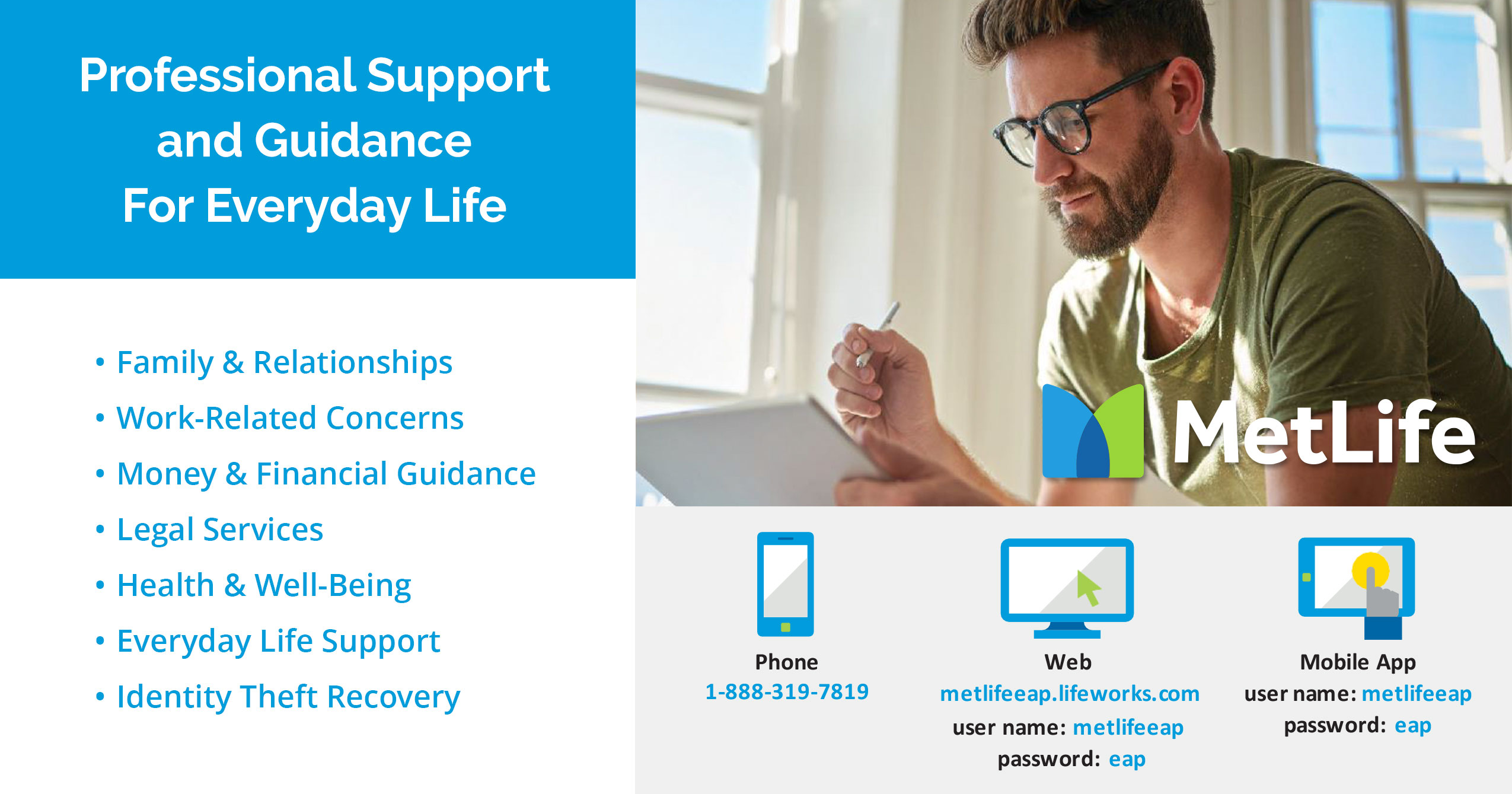
- Website: metlifeeap.lifeworks.com
- To access the program for the first time, you will need to use the login information provided in the introductory email sent February 2nd from Ashforth HR. Once you are logged in, click on “Self-care programs”. On the next screen, you’ll see a link to Create a Personal Account. Once you enter your personal information, you’ll use this for all future logins.
- Mobile App: Search “LifeWorks” in the App Store or Google Play
- Phone: 1-888-319-7819 (Select “Employee Assistance Program” when prompted)
LifeWorks offers confidential access to professional counselors and resources for help with a wide range of topics. This a complimentary service provided by The Ashforth Company for all employees. Please email HR with any questions.